Parts you write, see and print.
hackerscad is a parametric CAD where the model is code. Type and the 3D view follows; round an edge with the mouse and the code is written for you. Exact solids, real threads, files for every printer.
Downloadall systemsMake your first part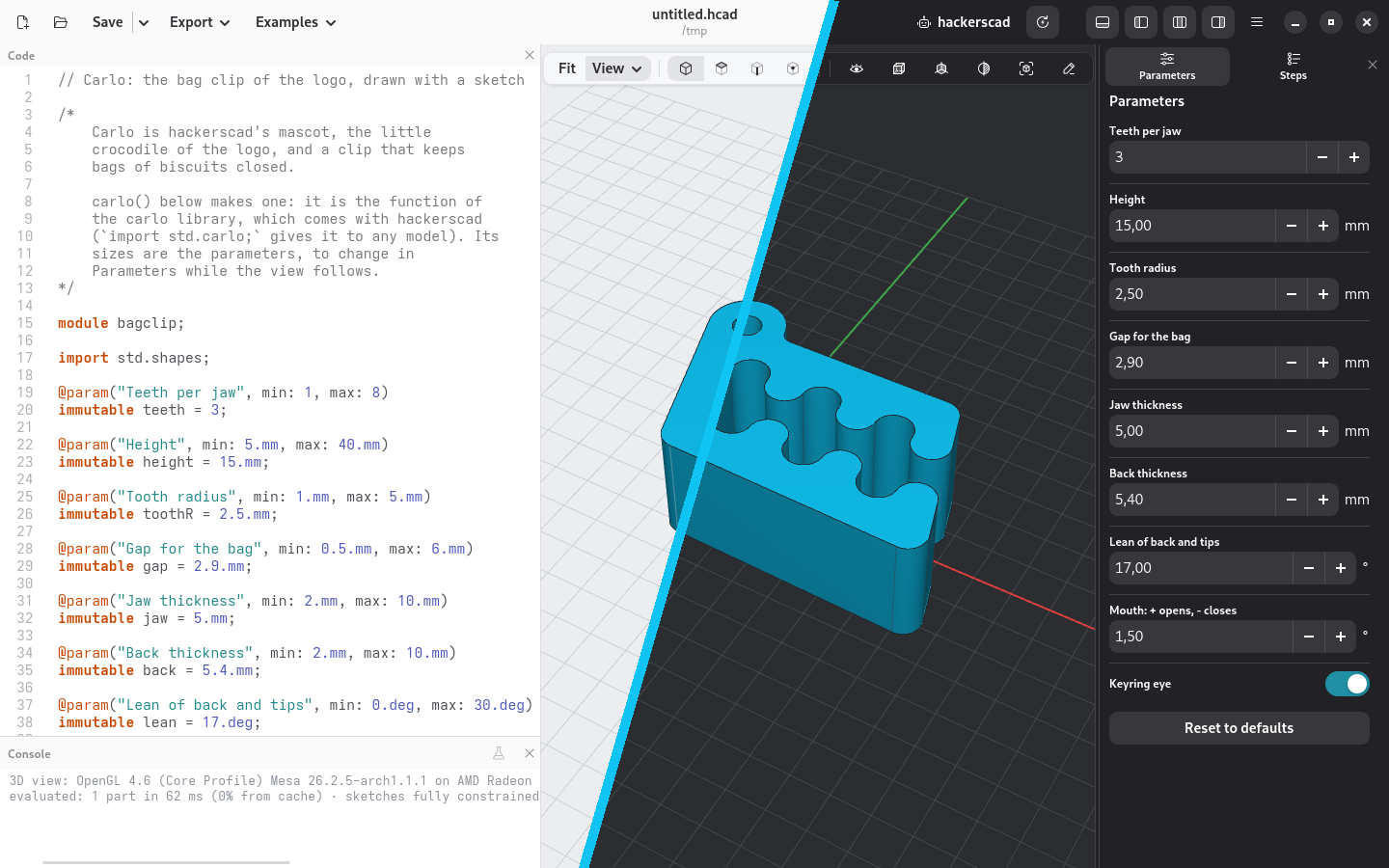
Using an AI coding assistant?
Paste this to it: it installs hackerscad's skill, then hackerscad itself if it's missing (asking you first) and the MCP server. Then it reads the language from docs written for agents, checks and renders its models, and shows them in your window. More below
Code is the model
A small, sandboxed language with units, selectors and libraries. It diffs, versions and reviews like any other code.
The mouse writes code
Fillets, holes, sketches on a face, parts moved and patterned: every click lands in the file, readable.
Send it to the printer
3MF with a colour per part, STL, STEP, or a drawing with views and dimensions.
Checked like code
unittest blocks hold what the part must do. The command line checks, renders and exports, in a script or in CI.
// batteries.hcad: a holder for AA cells
import std;

@param immutable cells = 4;
immutable aa = 14.5.mm, play = 0.4.mm;
immutable hole = aa + play, pitch = hole + 2.mm;

@part
Solid holder()
{
    auto b = box(cells * pitch + 2.mm,
            pitch + 2.mm, 22.mm)
        .fillet(edges.parallel(Z), r: 3.mm);

    // a pocket for each cell, its rim chamfered
    foreach (i; 0 .. cells)
        b -= cylinder(d: hole, h: 22.mm)
            .move(x: (i - (cells - 1) / 2.0) * pitch,
                z: 3.mm);
    b = b.chamfer(edges.of(faces.top), d: 0.6.mm);

    // a grip on both long sides, last
    return b
        .knurl(faces.front, kind: "diagonal",
            pitch: 3.mm)
        .knurl(faces.back, kind: "diagonal",
            pitch: 3.mm);
}

// a cell in the first pocket, to see it fit
@part("Yellow Pop", alpha: 0.4, export: false)
Solid cell()
{
    auto body = cylinder(d: aa, h: 49.5.mm);
    auto tip = cylinder(d: 5.5.mm, h: 1.mm)
        .move(z: 49.5.mm);
    return (body + tip)
        .move(x: -(cells - 1) / 2.0 * pitch, z: 3.mm);
}

unittest
{
    assert(hole > aa, "an AA cell does not fit");
    assert((holder & cell).volume < 0.01.mm ^^ 3,
        "the cell rubs against the holder");
}
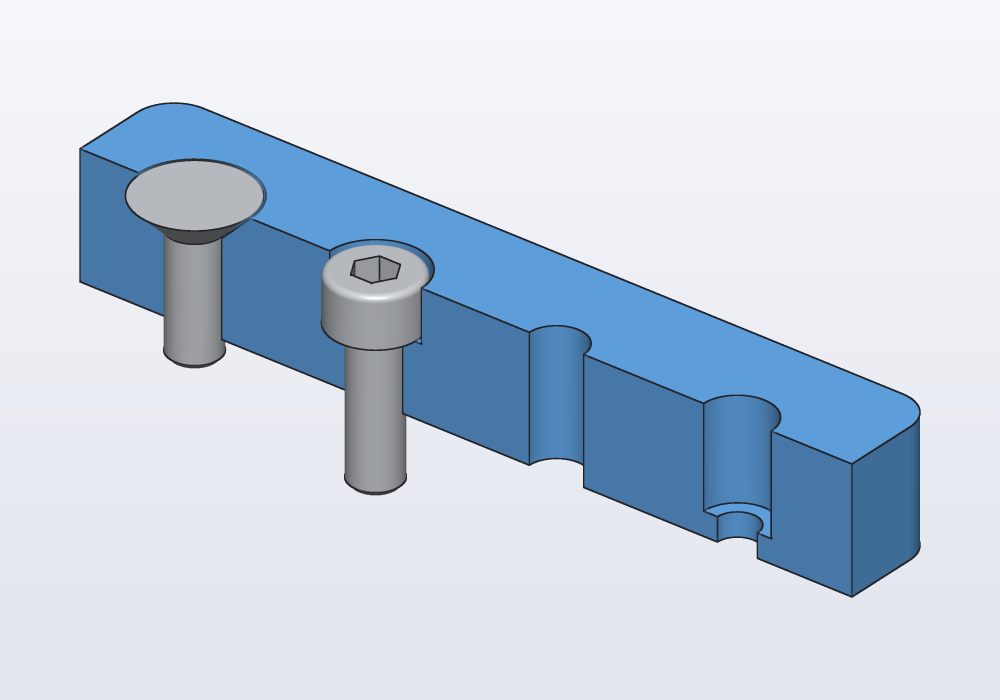
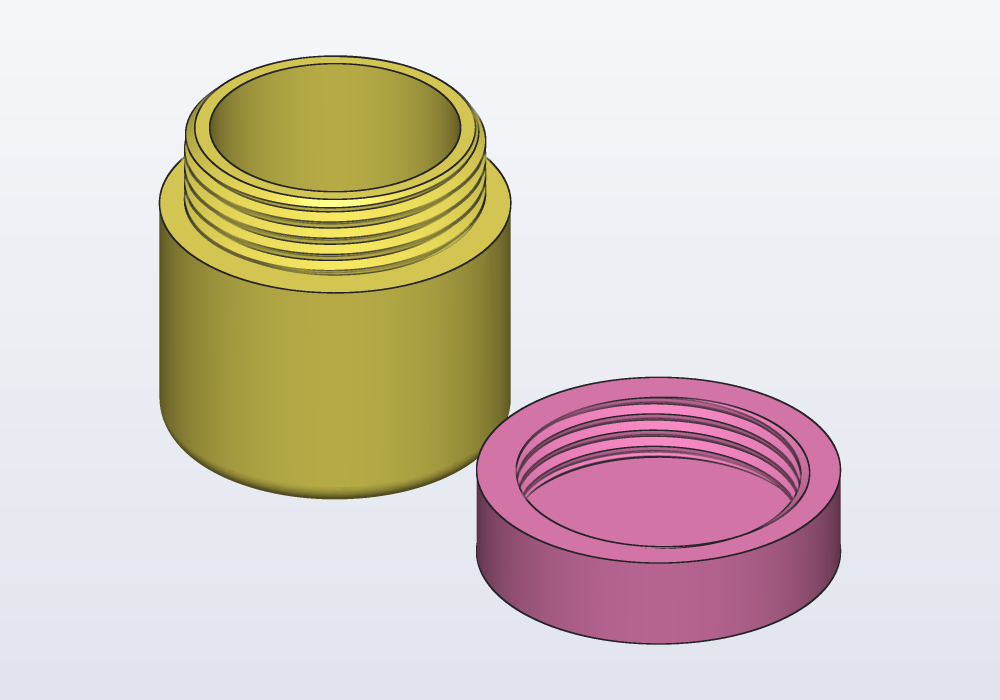
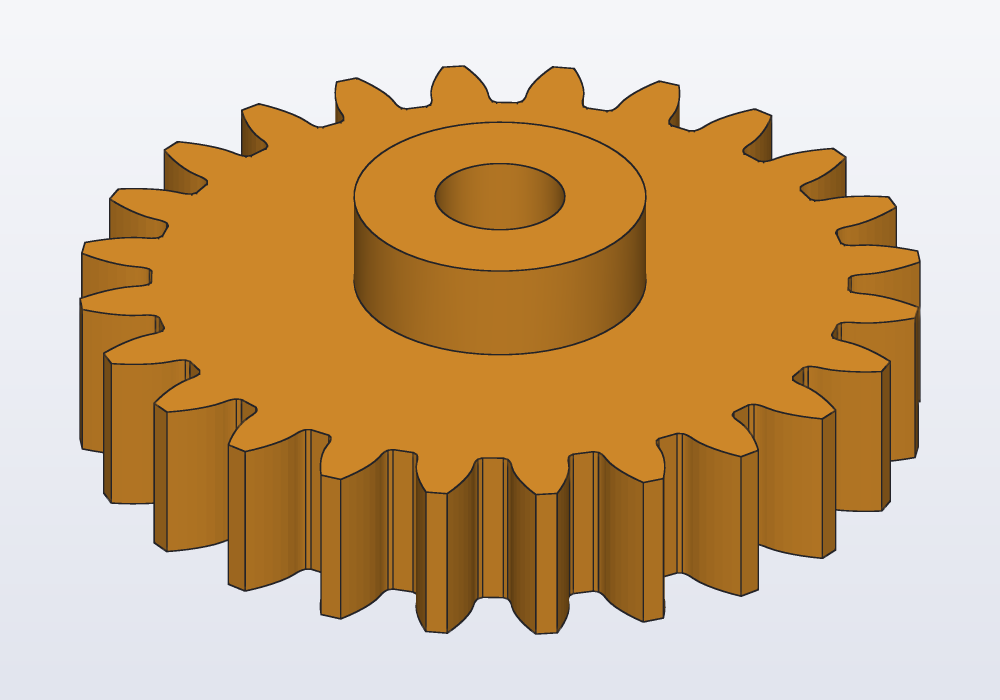
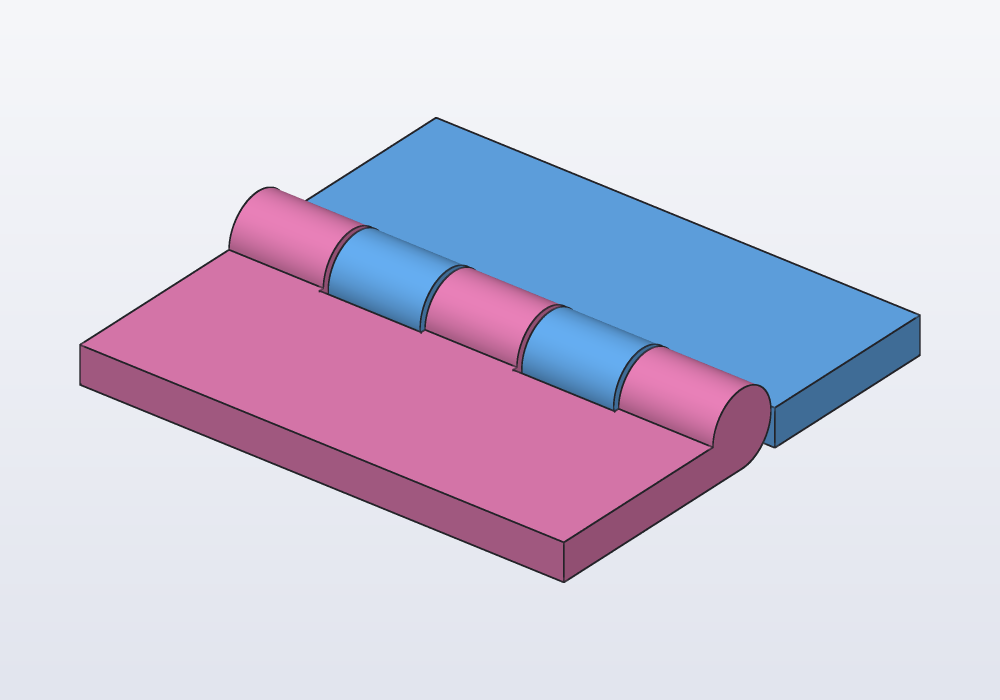
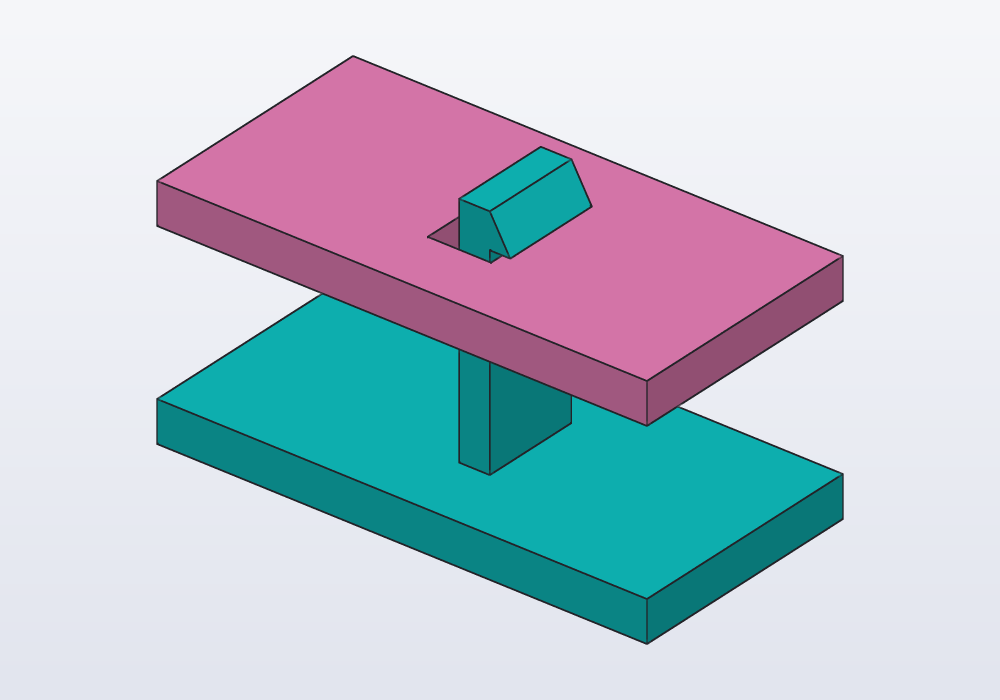
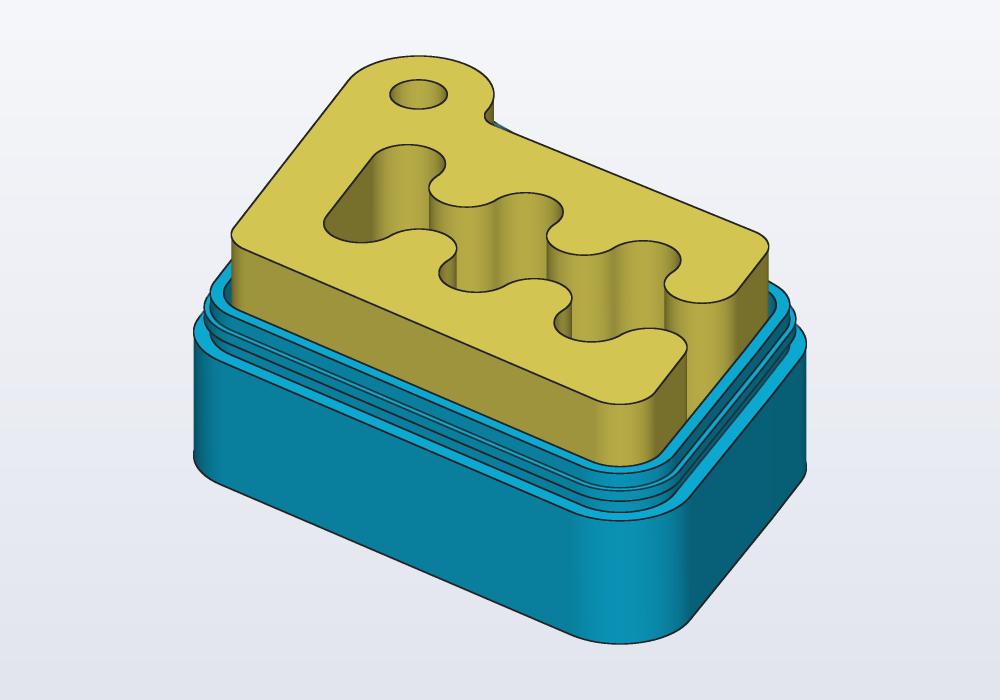
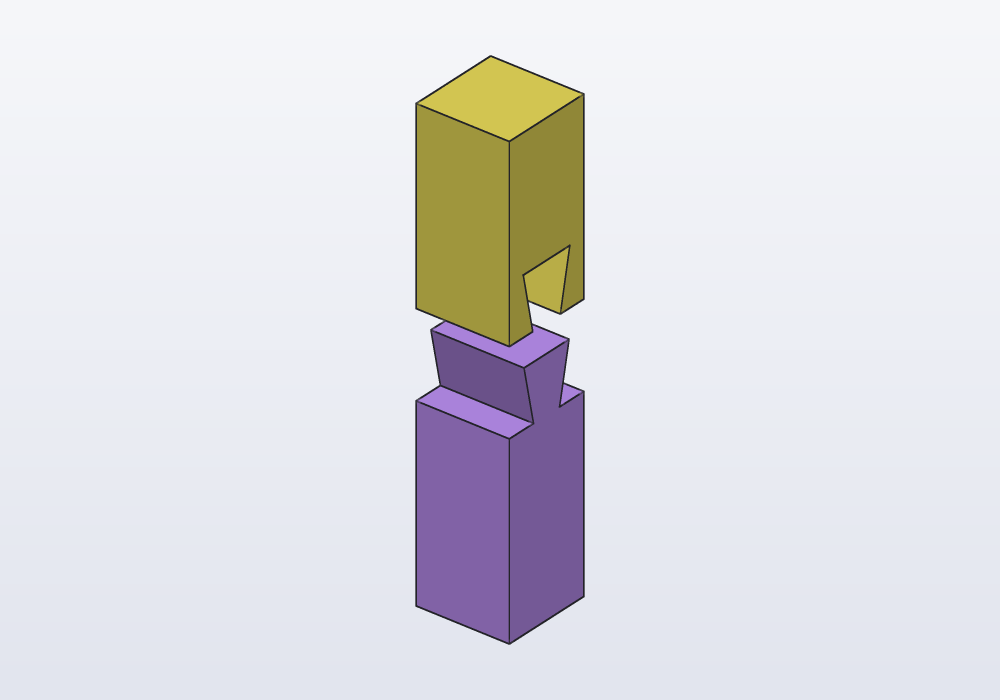
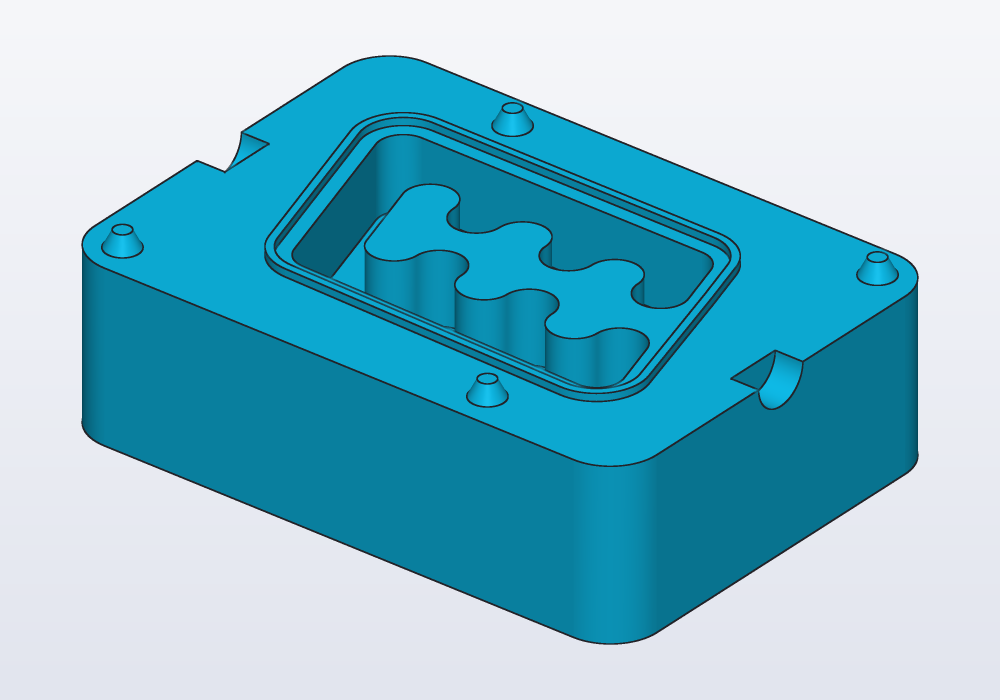
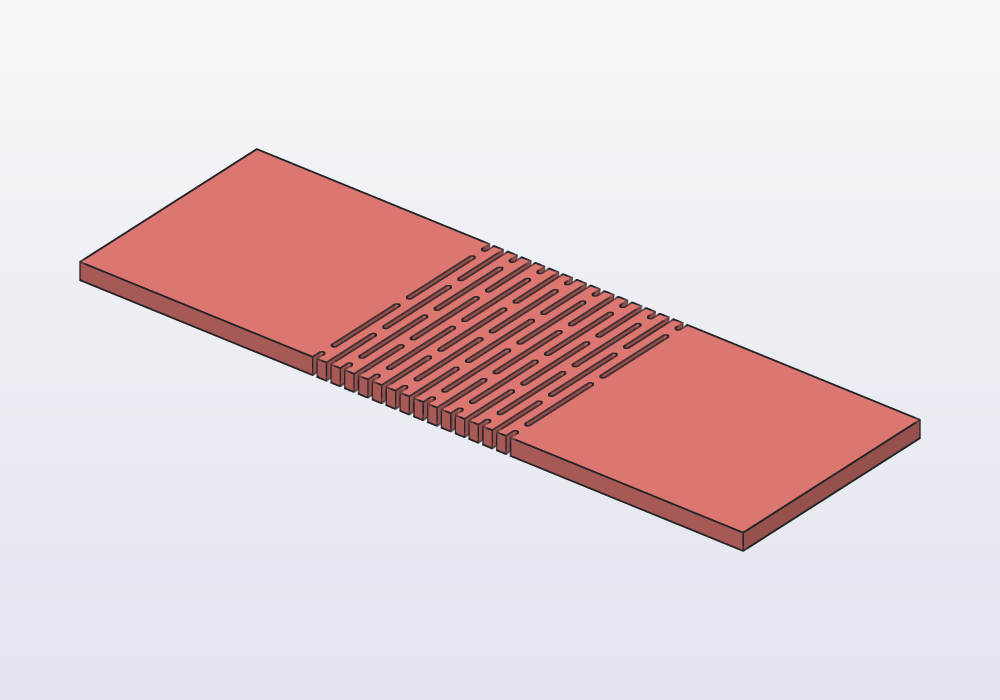
Ready-made, from screws to moulds
Under the hood
For the curious.
Rather just ask?
Tell Claude or another agent what you need. It models it, checks its sizes, shows it in your window and leaves you code you can change.

Ask your agent
Paste this: it installs the skill, then hackerscad itself if it is missing (asking you first) and the MCP server.
The skill and the MCP server
hcad --versiontells whetherhcadis in your PATH; if not, use its full path below.- The skill, the rules that avoid most mistakes, made by
hcaditself (Claude Code shown):mkdir -p ~/.claude/skills/hackerscad
hcad docs --skill > ~/.claude/skills/hackerscad/SKILL.md
hcad docs > ~/.claude/skills/hackerscad/llms-full.txt - The MCP server, the tools: one command, then restart the agent.
$ claude mcp add -s user hcad -- hcad mcp
$ codex mcp add hcad -- hcad mcp
$ agy mcp add hcad hcad mcp
Download
One package per system: the app, the command line tool and the MCP server.